Industries
Industries
By Dusaw Team
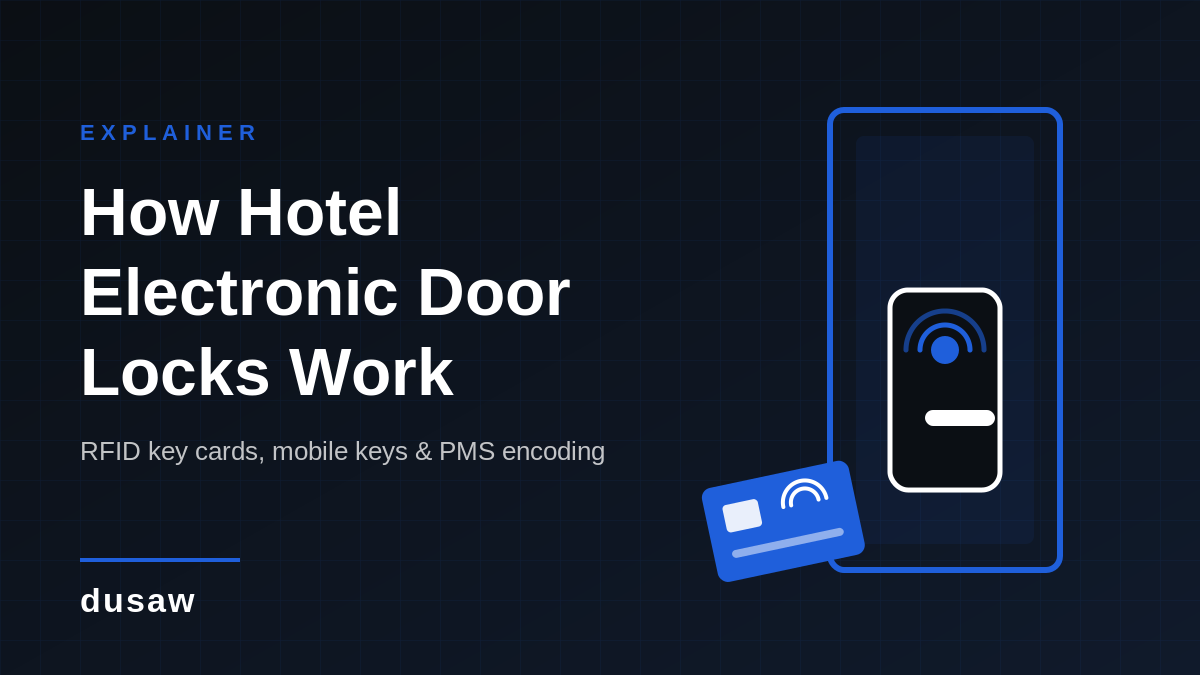
How hotel electronic door locks identify a key card or phone and decide whether to open, why front-desk encoded cards and networked locks behave so differently, and what to check before you buy.
Every hotel electronic door lock, whether it reads a key card, a wristband, or a phone, is doing the same three jobs: it identifies a credential, decides whether that credential is allowed to open this door right now, and records what happened. What differs between systems is where the "allowed" decision lives. In a traditional encoded-card system the permission is written onto the card itself at the front desk. In a networked access-control system the permission lives on the lock and in the software, and the card is just an identifier. That single difference decides whether you can extend a stay, move a guest, or kill a lost card from a screen, or whether the card has to come back to the desk. This guide explains how hotel electronic door locks work under both models, how RFID and mobile keys read at the door, and what to check before you buy.
A hotel key card system is more than the hardware on the door. In practice you are managing four interlocking components:
The lock: a battery-powered unit with a reader (RFID and, on many models, Bluetooth), a small processor, a motor that releases the latch or deadbolt, and memory that stores the door's configuration, its access list or rules, and an audit log.
The credential: an RFID key card, a wristband or fob, or a digital key stored on a guest's phone.
The encoder or the gateway: in an encoded-card system, a desk-side USB encoder writes room and validity data onto the card; in a networked system, hubs or gateways installed in the building carry instructions from the software to each lock.
The management software: the system that defines which doors exist, which guest and staff credentials can open them and when, and which connects to your property management system (PMS) so that access follows reservations.
Hotel locks run on batteries, so they are designed to make the access decision locally in well under a second, without asking a server at the moment a guest taps the door. Networked systems do not change that; they change how and when the lock's permissions get updated.
An RFID hotel lock reads a passive contactless card. The card has no battery; the reader in the lock generates a short-range radio field, the card's antenna harvests enough energy from that field to power a tiny chip, and the two exchange data over a few centimetres. The dominant standard for these proximity cards is ISO/IEC 14443, published by the International Organization for Standardization, which defines the physical characteristics, the 13.56 MHz radio interface, and the anti-collision and transmission protocols for contactless proximity cards (see ISO/IEC 14443-1:2018). The MIFARE family of chips used in most hospitality cards is built on that standard, and every chip carries a factory unique identifier that a lock can read in a fraction of a second.
What the lock does with that read depends on which of the two models the property runs.
This is the classic hotel key card system, and it is how Dusaw's hotel lock software works when a property runs it standalone. At check-in the agent selects the room and dates in the software, places a blank card on the USB encoder, and the encoder writes an encrypted payload onto the card containing:
the property and lock-system identifier, so a card from another hotel is rejected instantly;
the room number and any common-area doors (pool, gym, floor access) the guest may use;
a validity window: the check-in time and a check-out expiry;
a cryptographic signature, so the data cannot be edited with a consumer card writer.
When the guest presents the card, the lock authenticates the payload, checks that this door is on the card, compares the validity window against its own clock, and releases the latch. Because the permission lives on the card, the lock needs no wiring and no network: the door is fully offline, which keeps hardware and installation costs low and makes this model the default for many properties.
The same design means that any change to a guest's access requires re-encoding. If a guest extends their stay, moves rooms, or wants access to an additional area, the card has to be brought back to the front desk (or a new card issued) so the encoder can write the new data. Staff cannot extend or change a card that is in the guest's pocket. Lost cards are handled by encoding a replacement; the lock software and the card's expiry time limit the risk from the missing one. For a property with a staffed desk and standard stays this is a perfectly workable routine, but it is worth understanding before you buy, because it is the main reason operators move to the second model.
The second approach is how Dusaw Access software works. Instead of writing the permission onto the card, the software registers the card's unique signature on the specific locks it should open, together with the validity rules. The card itself is never encoded; it is simply an identifier, and the lock holds the list of identifiers it will accept. Instructions travel from the software to the locks over the property's network through Dusaw hubs and gateways, so a change made on a screen reaches the door within moments.
That architecture unlocks the operations the encoded-card model cannot do remotely:
Reassign a card to a different room for a room move, without the guest coming to the desk.
Extend or shorten validity for a late check-out or an extended stay from the PMS or the software.
Disable a card instantly when a guest reports it lost or a contractor's job ends, wherever the card happens to be.
Add or remove doors from a credential, such as granting a conference-room or fitness-centre door for the length of an event.
Because the software exposes a full API designed for external property management systems, these actions can be driven by the PMS directly: check-in registers the card on the room lock, an extension in the PMS updates the validity, and check-out revokes it, with no separate lock screen for the agent to operate. The requirement is that the property has the hubs and gateways installed so the locks are reachable; the locks still decide locally at the door, so a brief network outage does not stop a registered card from working, it only delays new changes until connectivity returns.
A small inn with a staffed desk may never need networked locks; a larger hotel, an aparthotel with contactless arrival, or a multifamily building with staff and vendor turnover usually wants the remote control. Our hotel access control system overview describes how the two are packaged, and the integrations page lists the PMS platforms and building systems Dusaw connects to.
A hotel mobile key replaces the card with a digital key tied to the guest's account in the Dusaw app. The key is issued from the software (or from the PMS through the API) for a specific lock with a start and end time, and it can be changed, frozen, or deleted from the same place, so a late check-out or a lost phone is handled without anyone visiting the door. Issuing a new key for the same guest and lock replaces the previous one.
At the door the phone talks to the lock over Bluetooth Low Energy (BLE). The guest opens the Dusaw app, which must be open and signed in for the unlock to happen, selects the door, and the app and lock exchange an encrypted, time-limited token over the short-range Bluetooth link; the lock validates the token against its own clock and releases the latch. There is no tap-to-open from a locked phone or from a wallet app, and the phone does not need a mobile signal at the door because the key is already stored in the app. The Bluetooth Special Interest Group's technology overview explains why BLE suits battery-powered devices such as locks. Where a property has gateways installed, the software can also unlock a door remotely for a guest or a contractor without a phone at the door.
Security of the phone-to-lock link matters. The National Institute of Standards and Technology's Guide to Bluetooth Security (SP 800-121 Rev. 2) catalogues Bluetooth's security capabilities and the threats to Bluetooth-enabled devices, and recommends using the strongest available pairing and encryption modes. When evaluating a mobile key hotel solution, ask which BLE security mode the lock uses, whether keys are bound to a specific device, and how a key is revoked if a guest reports a lost phone.
The property management system is the source of truth for who is staying where and when. Dusaw integrates with platforms such as Choice Advantage, Seam and RemoteLock (the current list is on our integrations page) so that the lock system is driven by reservation events rather than by staff retyping room numbers. In an encoded-card deployment the PMS interface tells the encoder what to write when the agent presses "make key". In a networked deployment the PMS talks to the access software's API and the software talks to the locks, which is what makes extensions, room moves, and revocations possible without the card present. Either way, integration removes the most common source of guest complaints, a key issued with the wrong room or dates.
Because the locks run on batteries, three operational features matter more than any brochure specification:
Low-battery warning. The lock reports its battery level and a low-battery warning is sent to the property administrator, so batteries can be replaced on a schedule rather than after a lockout.
Mechanical or emergency override. Hotel locks keep a concealed key cylinder or an external power contact so a dead lock can still be opened.
Fail-secure behaviour. A guest room lock should remain locked from outside when power is lost while always allowing free egress from inside. Local fire code and the lock's listing determine the exact requirements, so check them for corridor and stairwell doors in particular.
Every electronic hotel lock stores a log of recent events: which credential opened the door and when, failed attempts, deadbolt use, and battery or tamper events. In an offline encoded-card system, staff retrieve the log by connecting a programmer or authorised device to the lock; in a networked system the log flows back through the hubs to the software automatically and can be searched from any device. That record is what you reach for when a guest reports a missing item or a staff member disputes a room entry. Ask how many events each lock stores and how long the software retains them.
Decide which model you need. If you want to extend, reassign, or disable cards remotely, budget for hubs and gateways and choose software with a PMS-ready API. If a staffed desk and re-encoding is acceptable, offline encoded locks cost less.
Confirm the card technology. If you are keeping existing cards or wristbands, make sure the new locks read the same ISO/IEC 14443 chip family.
Plan for mobile key from day one, even if you launch with cards. Locks with BLE built in avoid a second hardware swap later.
Get the PMS interface in writing, including who supports it when something breaks.
Check battery life claims against your door traffic and confirm who receives the low-battery warnings.
Plan the audit-log workflow: who reviews logs, how often, and where they are stored.
For a walkthrough of weighing these against your budget and building, see our guide to choosing a hotel door lock system and the comparison of hotel card key systems. If you are planning a new build or renovation, the hospitality solutions page shows how Dusaw locks are deployed across guest-room, common-area, and staff doors, and you can request a quote with your door count and PMS to get a system design rather than a price list.
Electronic hotel locks include card readers, mobile-enabled locks, keypad models, and systems that combine credentials. The physical lock contains a reader and a mechanism that releases the door when an authorized credential is accepted. The source material distinguishes this guest-facing reader from the software and management layer that provisions access.
Magnetic-stripe cards are swiped; RFID cards are presented close to a reader; supported NFC phones or Bluetooth keys use a device; PIN pads accept a code, and biometric readers use a recorded physical characteristic. The lock checks whether the credential is permitted for that door and time, then releases the latch. A credential may be a card, phone, wristband, code, or another supported format.
A traditional key operates a mechanical cylinder and usually requires physical replacement or rekeying when access changes. An encoded card can carry room and stay permissions; a networked system can associate a credential with rules held by the lock or management software. Electronic access can simplify changes and record activity, but adds batteries, software, and maintenance tasks.
Credential verification determines whether a presented card, phone, or code is allowed at a door and time. Sources describe encrypted credentials, access logs, permission levels, and alerts as possible protections. Details vary by card family and lock model: verify how credentials are protected, how a lost card is disabled, and what the lock records.
Electronic access introduces software and device considerations as well as physical lock security. The guides discuss hacking concerns, privacy, system glitches, battery state, and network availability. Evaluation should ask where authorization is checked, how updates are handled, who may view records, and what happens when a reader or management connection fails.
Staff need a process for issuing or replacing credentials, extending or ending access, responding to a lockout, and entering a room under an approved procedure. Guest instructions should explain how to present a card or phone and what to do if the reader does not respond. Keep permissions appropriate to the room, role, and period of use.
Installation starts with checking the door and existing hardware, then confirming reader, credential, software, and power requirements. Plan where encoders or management tools will be used, configure room and staff access, and schedule work to limit disruption. Test multiple rooms and common workflows before expanding and train front-desk and maintenance staff.
Confirm that the lock physically fits the hotel door and accepts the credentials planned for guests and staff. Check compatibility with the PMS, encoder, API, gateway, and shared-area system. A lock may make local decisions without a network, while remote changes and record synchronization can depend on a hub or connection.
Inspect lock and door operation, replace batteries when indicated, clean hardware appropriately, and keep firmware or management software current. Source maintenance guidance recommends periodic inspection and battery checks. Record recurring problems such as a worn latch, unreadable card, or connection fault and route them to staff or the supplier.
A PMS can provide reservation and room information used to issue a credential at check-in and end its validity at checkout. Integrations may also handle stay extensions, cancellations, or room changes. Confirm whether the lock system receives updates directly or through a gateway, what staff must do, and how failed synchronization is surfaced.
Networked management can support remote permission changes, staff access levels, and activity review; offline locks may retain local rules and records until synchronization. Sources also discuss emergency overrides and restricted-area permissions. Confirm exact behaviour, who may use overrides, and how access is maintained if management software is temporarily unavailable.
Electronic cards and supported mobile credentials can make entry contactless and let a hotel issue a replacement without cutting a metal key. Phone-based access can suit guests who want it, but the system should also offer card access and assistance. Ease of use depends on the reader, instructions, and credential workflow.
An encoded credential can carry room and stay permissions, and connected tools can simplify changes. Activity records may help review an access question, while a PMS link can reduce repeated manual steps. These functions depend on configuration and are not universal to every offline lock or card system.
Confirm door fit, card and phone types, management architecture, PMS connection, staff process, updates, and fallback behaviour before buying. Ask the supplier to demonstrate credential issuance through expiration and replacement. Compare actual capabilities with hotel requirements rather than choosing by the word “electronic” alone.
Costs can include locks, readers, encoders, software, installation, support, and maintenance. Source FAQs give broad estimates from a few hundred dollars per lock to thousands for advanced systems; these are not a current quote for a particular property. Compare the total with the work and expense of replacing or managing physical keys.
The guides describe a progression from keyed hardware and magnetic-stripe cards toward RFID, mobile credentials, NFC, and biometric options. These approaches can coexist, and each brings reader, software, and support requirements. Consider newer features when they fit guest needs and can be maintained in the existing environment.
Connected access records and occupancy information may be used in operational or energy analysis, according to the source material. Confirm what the system collects and reports, how long records remain available, and who can see them. For the wider hotel workflow, see Dusaw’s hotel access control system and hospitality resources.
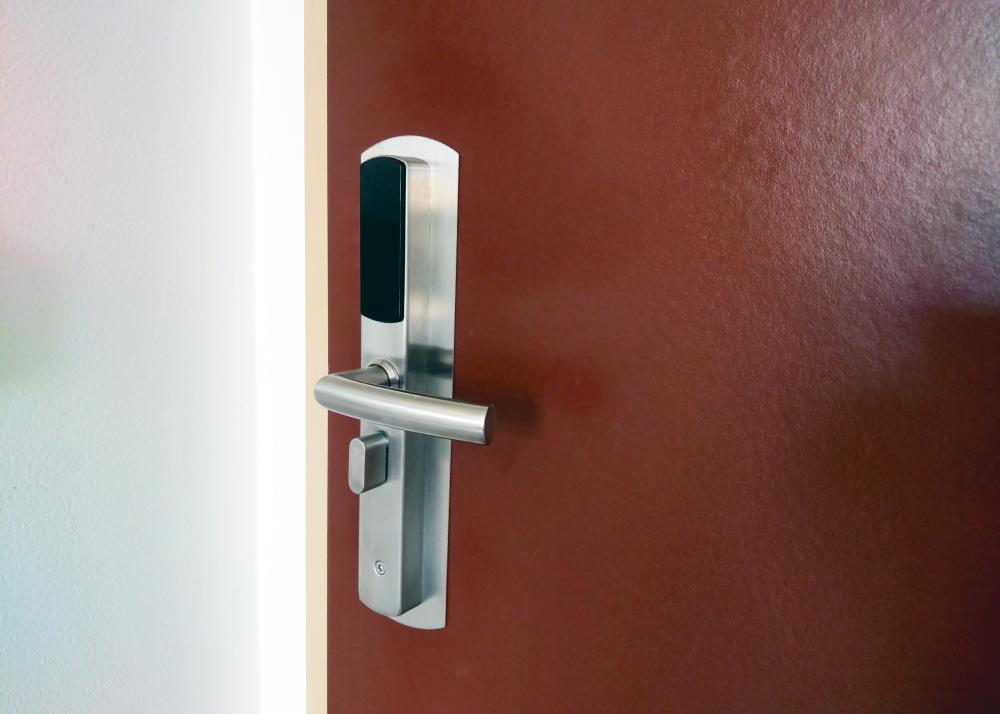
The lock's RFID reader powers the passive card, and either checks the encrypted room and validity data written on the card at check-in or matches the card's unique signature against the access list stored on the lock, then releases the latch if the card is allowed on that door at that time.
Only with a networked system. With front-desk encoded cards the permission is written on the card, so the card must return to the desk to be re-encoded; with networked locks connected through hubs or gateways the card's signature is registered on the lock and can be reassigned, extended, or disabled from the software or PMS.
Magstripe cards are read by swiping a magnetic stripe and are easy to erase or copy. RFID cards are read contactlessly, carry encrypted data, and wear out far less because nothing touches the reader.
No. Locks make the access decision locally using the card or phone and their own clock. Hubs or gateways are needed only if you want remote changes such as extending, reassigning, or disabling credentials and live event reporting.
Yes. A mobile key is issued to the guest's account in the Dusaw app for a specific lock and time window; with the app open, the phone unlocks the door over Bluetooth Low Energy. The key can be extended, frozen, or deleted from the software at any time.
The lock sends a low-battery warning to the administrator well in advance and stays locked from outside while allowing egress from inside. Staff can open a dead lock with a concealed mechanical override or an external power contact and then replace the batteries.
Ensuring your safety while staying in a hotel is crucial, and using a secure lock system is your first line of defense. At DUSAW, we provide advanced smart lock solutions that significantly reduce the risk of unauthorized access. Our electronic locks are built with secure encryption and access protocols, making them difficult to tamper with or bypass.
Hotel doors typically feature electronic locks, which are increasingly becoming the standard in modern hospitality settings. At DUSAW, we provide a range of electronic locking solutions that are both secure and user-friendly. Our locks often use RFID (Radio Frequency Identification) technology, allowing for easy access through key cards or mobile apps.
An electronic locking system in a hotel is an advanced security solution that uses digital technology to replace traditional key mechanisms. These systems typically include smart locks that can be operated using keycards or mobile devices, allowing for secure and convenient access. At DUSAW, our electronic locking systems are designed to integrate with existing hotel infrastructure, providing a versatile and efficient solution for managing guest and staff access.
Determining the best hotel door lock system depends on several factors including security, ease of use, and integration capability with existing hotel management systems. At DUSAW, we pride ourselves on providing a top-tier solution that combines robust hardware with cutting-edge software. Our smart locks are designed for durability, ease of use, and seamless integration, making them ideal for a range of properties.
While both smart and electronic locks aim to enhance security and convenience, they differ in functionality and connectivity. An electronic lock typically replaces a physical key with electronic keys like keycards or keypads. Smart locks, however, are a more advanced subset of electronic locks, often featuring connectivity to a network, allowing for remote management via a smartphone or computer.
When choosing the right smart lock system for a hotel, it’s crucial to consider the specific needs and scale of your property. At DUSAW, we recommend evaluating the ease of integration with your existing management systems, as seamless implementation is vital for minimizing operational disruptions. It’s also important to choose a system that offers robust customer support and the ability to scale operations as needed; our systems are designed with flexible APIs to accommodate different property types.
Hotel electronic locks come with numerous benefits that enhance both security and operational efficiency. Firstly, they eliminate the need for physical keys, reducing the risk of lost keys and unauthorized copying. DUSAW locks offer keyless entry via smartphone apps or keycards, which is not only convenient for guests but also improves the hotel’s operational flow by freeing up staff to focus more on guest service rather than key management.
Our hotel locks come equipped with a multitude of advanced security features designed to cater to the diverse needs of the hospitality industry. The integration of real-time access monitoring, multi-factor authentication, and encrypted access protocols ensures a high degree of security. Moreover, the locks can send immediate alerts in case of unauthorized access attempts, and managers have access to analytics that can predict and prevent potential security breaches.
Hotel electronic locks are a game changer in guest security primarily because they eliminate the problem of lost or stolen keys. Each guest is usually provided with a unique access card or the ability to unlock their door via a smartphone app. This reduces the risk of unauthorized access significantly since the access method can be deactivated or modified immediately in case of loss or security concerns.