Industries
Industries
By Dusaw Team
What a hotel digital key is, the two ways guests use Dusaw mobile keys (app over Bluetooth or browser link via hubs), and what a property needs to roll them out safely.
A hotel digital key lets a guest open their room with a phone instead of a plastic card. For owners and operators the real questions come after the idea sounds good: what infrastructure does it need, how does it fit with check-in and the PMS, what happens when a phone dies, and how do you keep the key from becoming a security hole? This guide answers those questions for hotels, aparthotels and the integrators who install their systems. If you want the lock-level mechanics first, start with our explainer on how hotel electronic door locks work.
A digital hotel room key is not a copy of a key card stored on a phone. In a Dusaw system it is a permission issued by the access software for a specific lock, with a start time and an end time. The key is created from the management software, or automatically from your property management system through an integration, and it stops working when its end time passes. Because the key lives in the software rather than on a piece of plastic, it can be changed after it has been issued, for example to extend a stay.
That is the main operational difference from a traditional encoded card. With front-desk encoding, the card carries the guest's room and dates, so extending a stay or moving rooms usually means the guest brings the card back to the desk to be re-encoded. A mobile key is managed centrally, which is why it pairs naturally with networked access control.
Dusaw mobile keys can be used in two different ways, and the choice determines what you need to install.
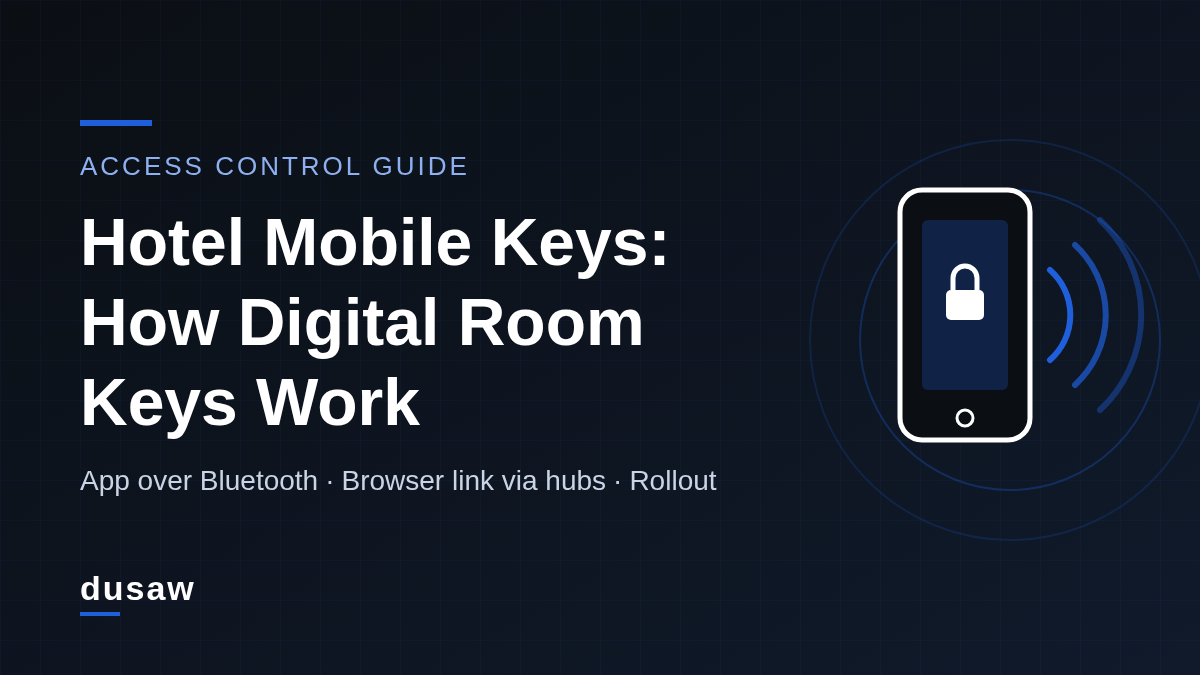
The guest opens the Dusaw app on their phone, stands next to the door and taps to unlock. The phone talks directly to the lock over Bluetooth Low Energy (BLE), so this mode works even at properties without Dusaw hubs. According to the Bluetooth Special Interest Group's technology overview, the Bluetooth LE radio is designed for very low power operation, which is why it suits battery-powered door locks. The app must be open for the unlock to happen; there is no background or hands-free unlock.
The guest receives a link and opens it in the phone's browser. Tapping unlock sends the command through the property's Dusaw hubs (gateways) to the lock, so this mode is a remote lock/unlock and it requires hubs to be installed within range of the doors. The upside is zero friction: no app download, no account creation. The trade-off is that it depends on the hub network and on the guest's phone having an internet connection.
App mode: works without hubs, needs the app installed and open, guest must be at the door.
Link mode: no app needed, requires hubs and a data connection, unlocks remotely.
Many properties offer both: link mode for guests who just want to get into their room, app mode as a fallback that keeps working if the network has a problem.
Setting guest expectations avoids front-desk friction. Across the industry, mobile access can take several forms. Seam's mobile access documentation notes that phones may communicate with locks over Bluetooth or NFC, and that unlocking can be triggered by a button tap, a gesture or automatically when the phone comes into range, depending on the system. Dusaw mobile keys work through the app or the browser link described above. They are not added to Apple Wallet or Google Wallet, they do not use NFC tap-to-open, and they do not unlock automatically from a locked phone in a pocket. Say this clearly in your pre-arrival message so guests do not expect to tap their phone like a transit card.
A working hotel keyless entry system with mobile keys has four parts.
Bluetooth-capable electronic locks on guest rooms and any shared doors guests should open, such as side entrances, fitness rooms or pool gates.
Hubs (gateways) if you want browser-link keys, remote changes and remote unlock. Plan coverage per corridor and floor during a site survey rather than counting rooms; building materials affect range.
Access management software where staff issue, change, freeze and delete keys and review the audit trail.
A PMS integration so keys are created from reservation events instead of staff retyping room numbers. Only connect through supported integrations; the current list, including Jervis, Seam, Pepperl+Fuchs, Payquad and Choice Advantage, is on our integrations page.
Keep RFID cards and an encoder at the desk. Hotel mobile keys reduce card use; they should not eliminate the fallback. Our hotel access control system page shows how cards, mobile keys and codes run on the same lock.
Reservation: the PMS creates the stay. Through the integration, the access software prepares a key for the assigned room with check-in and check-out times as its validity window.
Pre-arrival: the guest receives the link or an invitation to use the app, along with short instructions: which mode to use, where the room is, and who to call if the door does not open.
Arrival: the guest goes straight to the room, or stops at the desk if ID or payment checks are required by your policy or local regulations. The key only becomes valid at its start time.
During the stay: a late check-out or extension is a change to the key's end time. A room move means deleting the old key and issuing a new one for the new lock. With hubs installed, these changes reach the lock remotely, without a visit to the desk.
Check-out: the key expires at its end time. Housekeeping can verify through the audit trail that the room was vacated.
Mobile keys are only as secure as the link between phone and lock and the way keys are issued. The National Institute of Standards and Technology's Guide to Bluetooth Security (SP 800-121 Rev. 2) describes the security capabilities of Bluetooth, including the low energy feature, and gives organizations recommendations for securing it. The Bluetooth SIG's security resources point out that the specifications offer a number of security options and that secure design and deployment is a shared responsibility. For an operator, that translates into practical questions:
Scope: is each key limited to one lock (plus any shared doors you choose) and a fixed time window?
Revocation: how quickly can staff freeze or delete a key, and does the change reach the lock remotely through hubs?
Link handling: treat a browser link like a physical key. Send it only to the verified guest contact on the reservation, keep validity windows tight, and delete and reissue it if the guest reports it was forwarded.
Audit trail: can you see which key opened which door and when, for guest disputes and incident reviews?
Staff access: are housekeeping and maintenance keys scoped by floor and shift rather than shared master credentials?
Write the procedure before launch: verify the guest's identity, delete or freeze the mobile key, and issue an RFID card at the desk. A guest whose phone battery is flat should never be stranded in the corridor.
Phones help many guests, but they should not be the only way in. The 2010 ADA Standards published by the U.S. Access Board require handles, latches, locks and other operable parts on doors to be operable with one hand without tight grasping, pinching or twisting of the wrist (sections 404.2.7 and 309.4). Choose lever hardware that meets those requirements and keep card credentials available for guests who cannot or prefer not to use a phone.
Battery-powered locks need a replacement routine. Dusaw sends low-battery warnings to the property administrator, so assign that inbox to someone who can schedule battery swaps before a guest is affected.
Survey: map doors, corridors and back-of-house areas, and decide whether you need link mode (hubs) or app mode only.
Pilot: start with one floor or building, offer mobile keys alongside cards, and collect front-desk feedback for two to four weeks.
Script the messages: pre-arrival text, in-room card with instructions, and a support number.
Train staff: issuing, extending, room moves, lost phones and reading the audit trail.
Expand: roll out property-wide and connect the PMS integration so digital keys for hotels become part of normal check-in rather than an extra step.
Planning a mobile key project for a new build or a retrofit? See how Dusaw supports hospitality properties or request a quote and our team will help you scope locks, hubs and integrations.
Yes, if the property has Dusaw hubs installed. The guest opens a link in the phone's browser and the unlock command is sent remotely through the hubs to the lock.
Keys used in the Dusaw app unlock over Bluetooth when the guest is next to the lock, so they do not depend on hubs. Browser-link keys need the hubs and a data connection, which is why many properties offer both modes plus RFID cards.
No. Dusaw mobile keys are used through the Dusaw app or a browser link; they do not use wallet passes or NFC tap-to-open.
Staff verify the guest's identity, freeze or delete the mobile key in the access software, and issue an RFID card or a new key. With hubs installed, the change reaches the lock remotely.
They can be, when each key is limited to specific locks and a fixed time window, can be revoked quickly, and every opening is logged. NIST SP 800-121 is a useful reference for evaluating Bluetooth security.
Yes. Keep RFID cards and an encoder as a fallback for guests without a compatible phone, flat batteries, lost phones and accessibility needs.
Related