Industries
Industries
By Dusaw Team
How multifamily keyless entry systems work, from registered credentials and mobile keys to turnover workflows, lock management software and rollout planning for apartment buildings.
Multifamily keyless entry has moved from a lease-up amenity to basic operating infrastructure. For owners and property managers, the question is no longer whether to replace metal keys, but how to choose an apartment building access control system that handles move-ins, move-outs, vendors, and lockouts without adding work for the leasing office. This guide explains how multifamily keyless entry systems actually work, where the design choices matter, and what to verify before you commit to a platform.
A keyless entry system for an apartment building is more than a set of electronic locks. Every system, regardless of brand, is made of four layers:
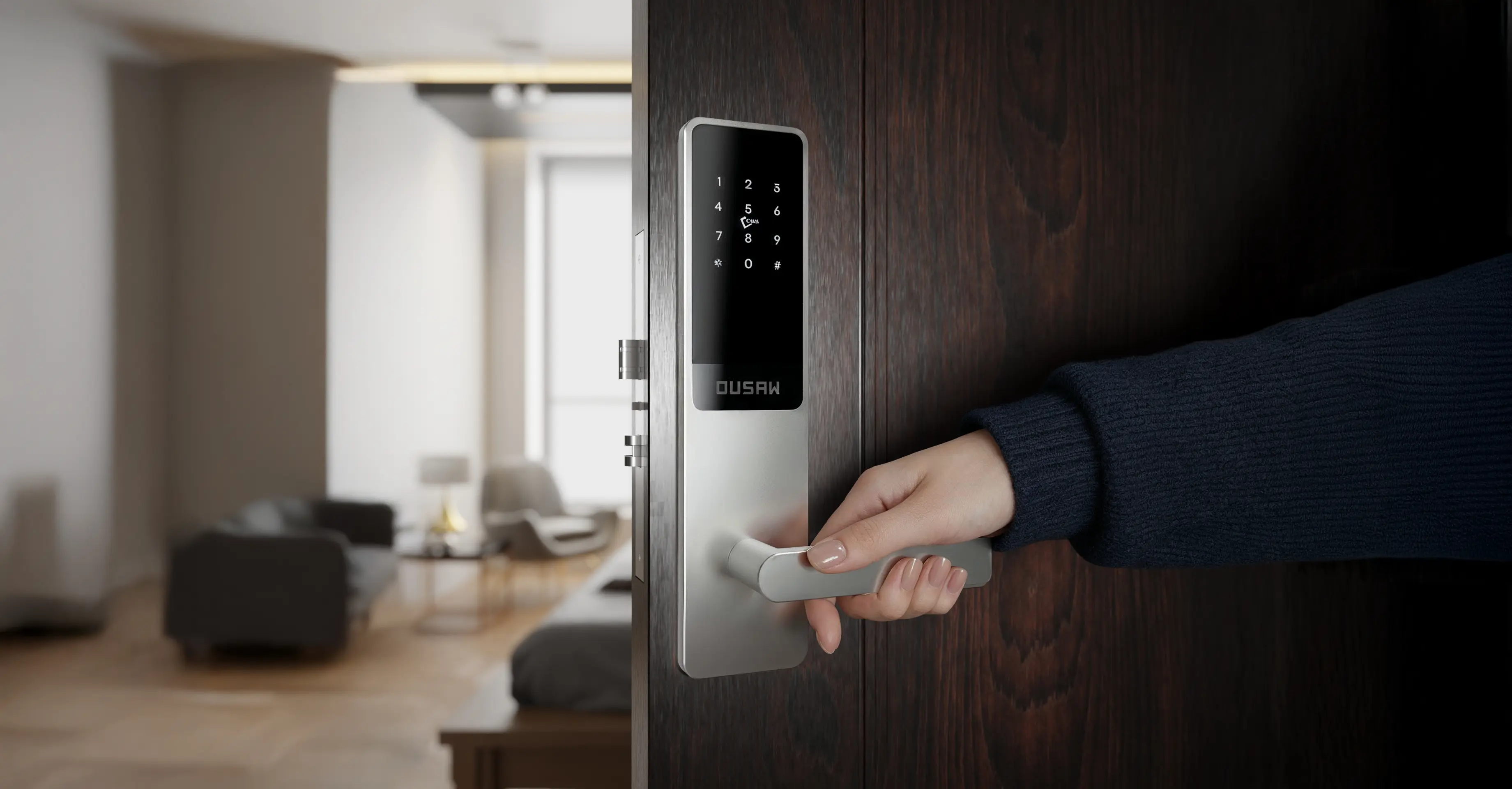
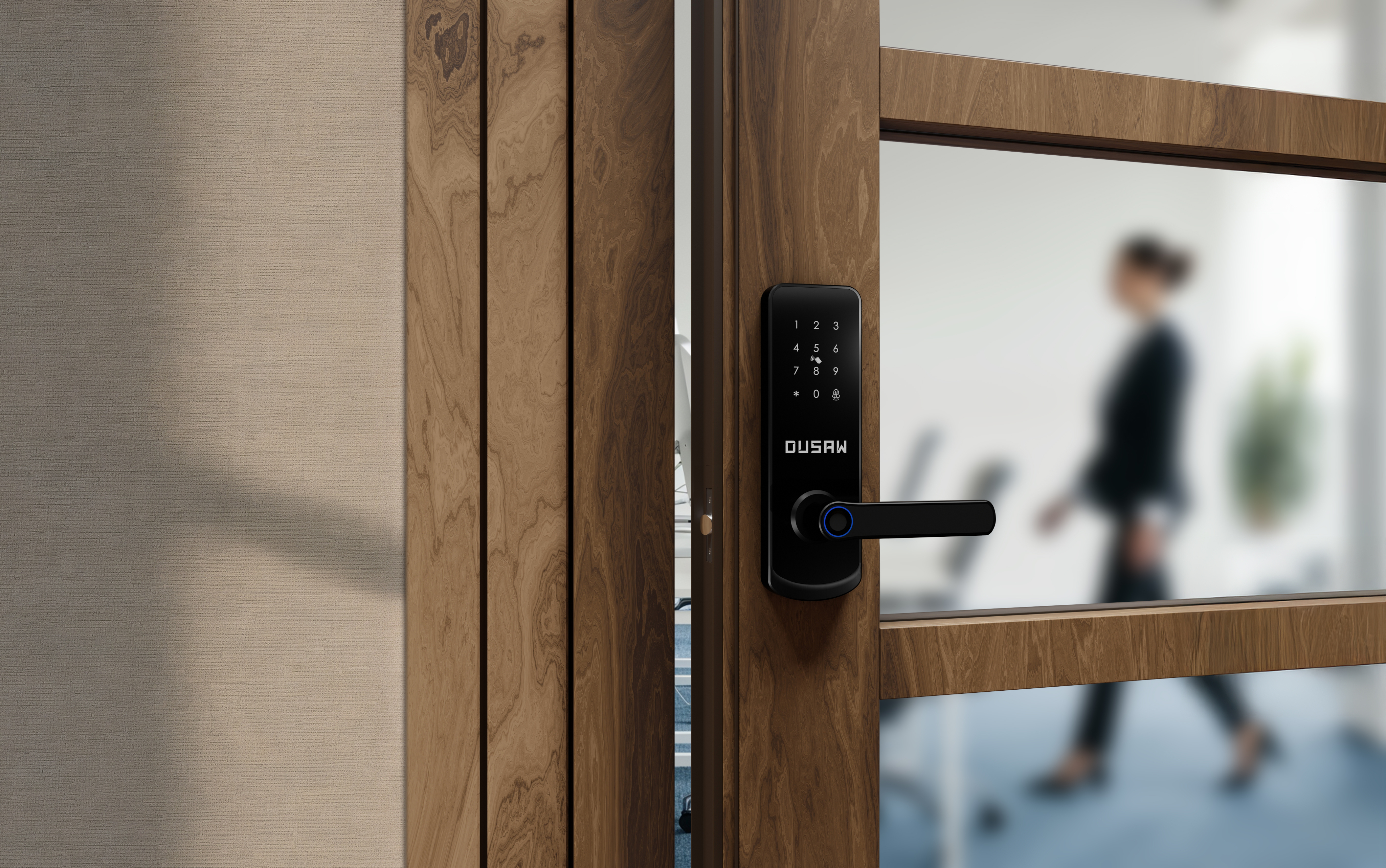
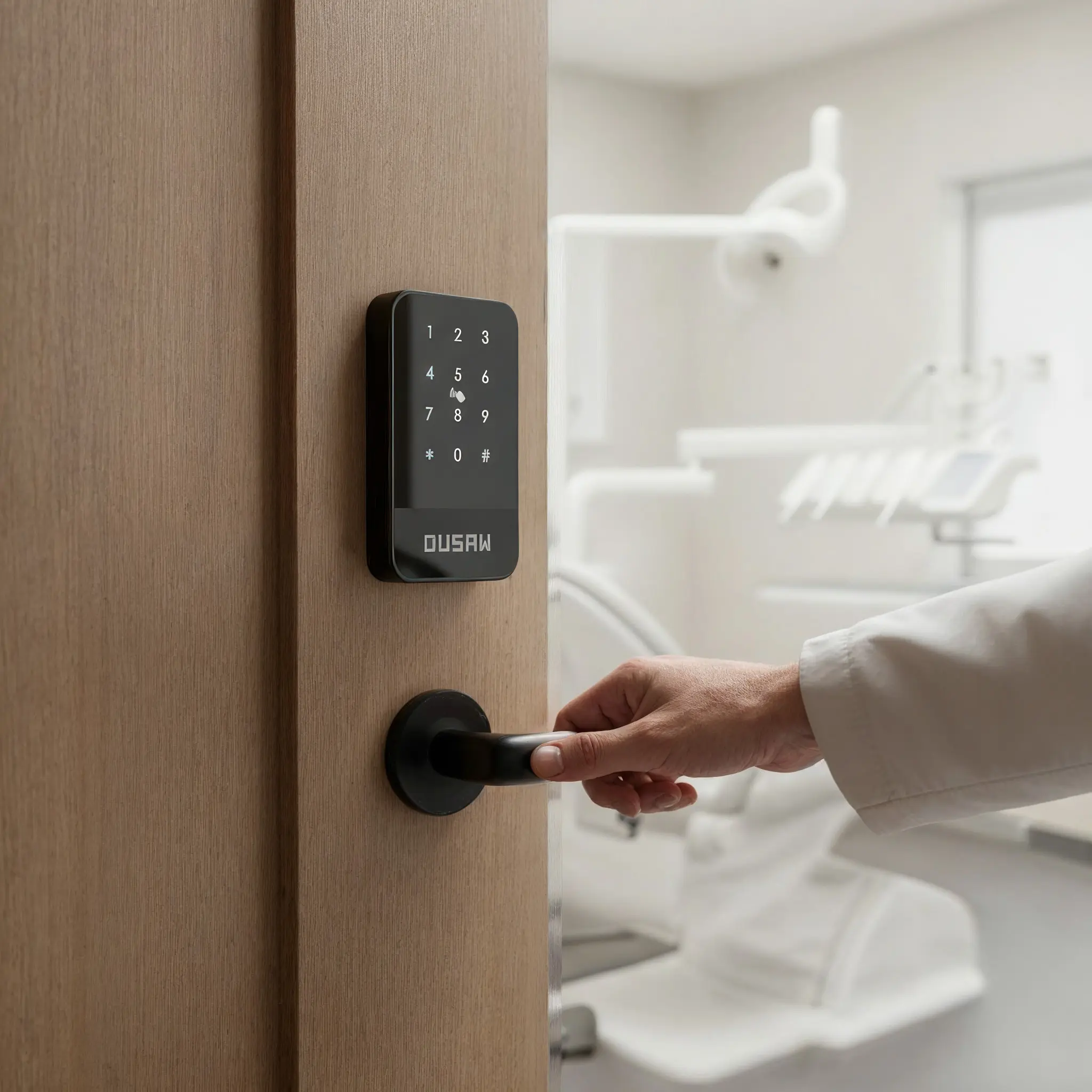
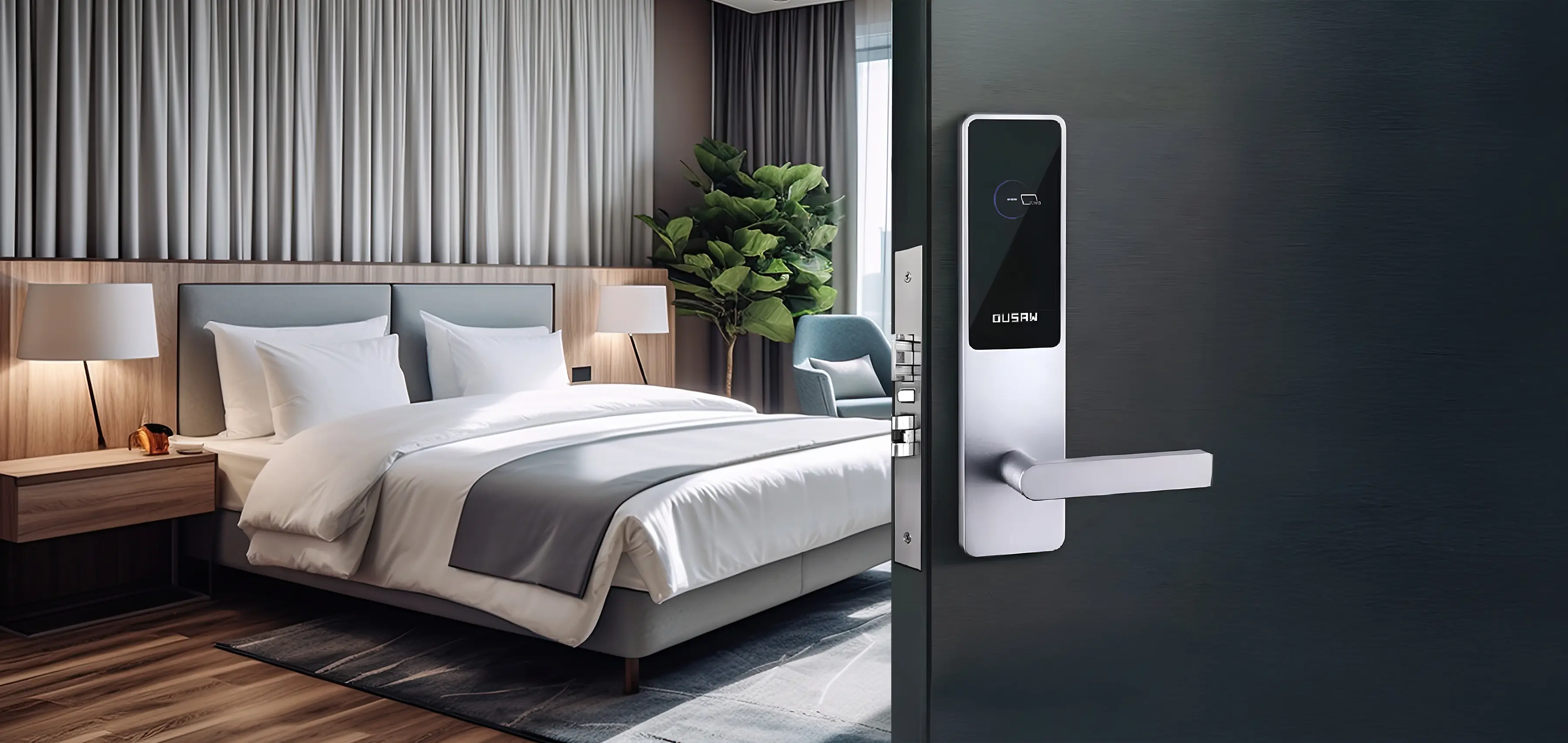
Locks at the door: battery-powered unit locks, plus locks or readers on amenity spaces such as gyms, mailrooms, package rooms, and back offices.
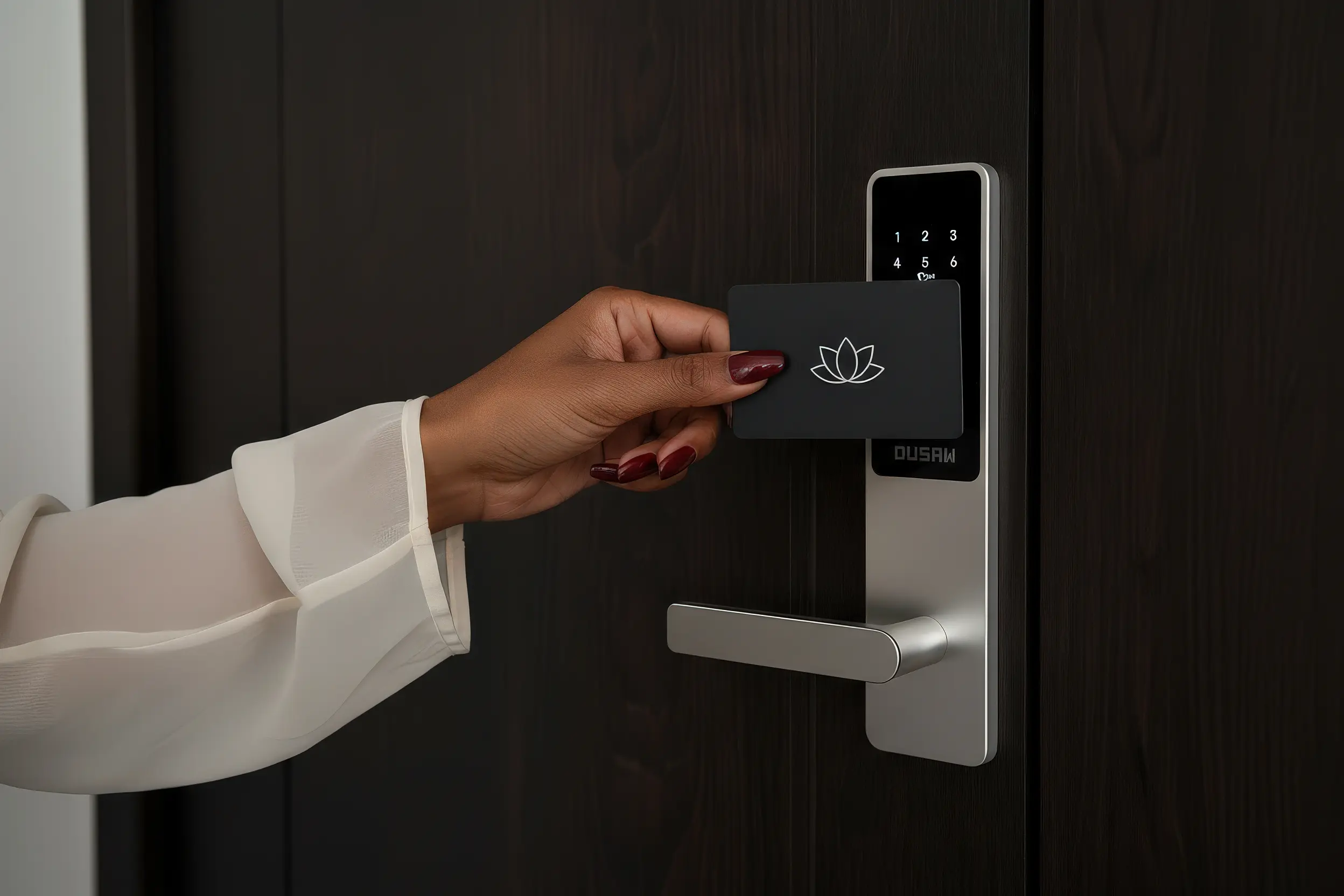
Credentials: what residents and staff actually carry, typically RFID cards, key fobs, or wristbands, mobile keys on a smartphone, and individual passcodes for deliveries.
Management software: the apartment lock management system where staff create, change, and revoke access, and review opening records.
Connectivity: the hubs or gateways that connect locks to the software, so changes can reach the door and staff can act remotely.
How those layers connect determines how much work each resident turnover creates, which is why the credential model is the first thing to understand.
There are two fundamentally different ways a lock can decide whether a card is valid, and they lead to very different day-to-day operations.
In an encoded-card system, the access rights are written onto the card itself at an encoder. The lock reads the card and checks the data it carries. This is the model most hotels use at the front desk. It works well where every credential is short-lived and passes through a desk, but changing what a card can open usually means bringing the card back to the encoder.
In a registered-credential system, the card is not encoded with access rights. Instead, the card's unique signature is registered on the specific locks it is allowed to open. Because the permission lives in the system rather than on the card, staff can reassign a card to a different unit, change its validity, or disable it without touching the card. This is how Dusaw Access software works, and it depends on Dusaw network hubs or gateways installed at the property so changes can reach the locks remotely. We explain both models in more detail in our article on how electronic door locks work.
For multifamily, the registered model usually fits better. Residents stay for months or years, roommates change, and a lost fob should be disabled in minutes rather than whenever someone can get to the office.
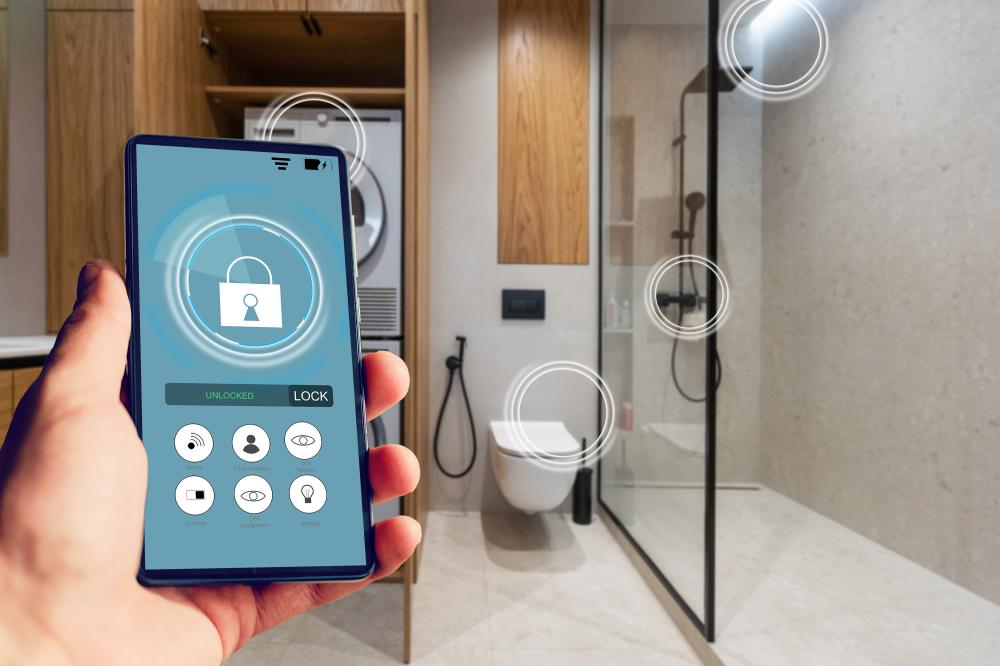
Residents get a credential for their unit and for the shared spaces their lease includes. With a mobile key, the resident receives a digital key for each lock, with a start and end time, and can use it in two ways. Residents with the Dusaw app open the app and unlock over Bluetooth when they are next to the lock, which works even without hubs at the property. Residents without the app can open the mobile key as a link in the browser to lock or unlock remotely, which requires Dusaw hubs at the property. According to the Bluetooth SIG, Bluetooth LE is designed for very low power operation, which is one reason it is widely used for phone-to-lock communication on battery-powered hardware.
Maintenance access should be scheduled and time-restricted to working hours rather than handed out as a master key. For outside vendors or emergencies, a property manager can unlock a door remotely through the gateway, even when off-site, and the opening is logged.
Individual passcodes for delivery personnel make package-room and lobby entries trackable. When one courier's code is misused, you revoke that one code instead of changing a shared code for everyone.
Lockouts are where keyless entry pays for itself in staff time. Instead of dispatching someone with a key, staff can issue or change a mobile key, or unlock remotely through the gateway, after verifying the resident's identity.
Turnover is the workflow that separates a good multifamily keyless entry system from a merely convenient one. With mechanical keys, every move-out raises the question of how many copies are still in circulation. With registered credentials, the move-out checklist becomes:
Disable the departing resident's cards, fobs, and mobile keys, and set any remaining credentials to expire at the lease end date.
Grant time-limited access to cleaners, painters, and inspectors for the make-ready window.
Review the unit's opening records to confirm who entered during the vacancy.
Register new credentials for the incoming resident with a start time aligned to move-in.
Because each step happens in software, the unit is never waiting on a locksmith and there is no stack of old keys to account for.
The lock hardware gets the attention, but staff will spend their time in the software. When you evaluate an apartment lock management system, check for:
Multi-property management: regional managers should be able to manage multiple properties from any device.
Audit trails: detailed opening records per lock and logs of staff activity, so you can answer who opened a door and when.
Lock health: battery life and status for every lock, with low-battery warnings sent to the property administrator before a lock becomes a lockout.
Granular permissions: separate access for residents, staff, vendors, and custom areas such as mailrooms, gyms, and back offices.
Admin account security: the software can unlock every door, so treat its logins like financial systems. NIST's Small Business Cybersecurity Corner notes that passwords alone are not effective at securing sensitive business assets and recommends multi-factor authentication.
Cost structure: many platforms charge per-door software fees for the life of the building. Dusaw charges a one-time price per lock with no recurring software contracts, which matters for NOI after stabilization.
A keyless system that does not talk to your other platforms creates duplicate data entry at every move-in and move-out. Ask each vendor which property management, resident experience, and access platforms they integrate with today, what data flows in each direction, and who supports the connection when it breaks. Dusaw's current integration partners, including Payquad, RemoteLock, Seam, Jervis, Pepperl+Fuchs, and Choice Advantage, are listed on our integrations page.
Electronic locks are still door hardware, so the usual building requirements apply.
Accessibility: according to the U.S. Access Board's 2010 ADA Standards, door hardware must be operable with one hand without tight grasping, pinching, or twisting of the wrist, and operable parts must sit between 34 and 48 inches above the finish floor. Lever-style trim on electronic locks makes this easier to meet on accessible units and common areas.
Standards: UL Solutions describes UL 294 as the standard for access control system units, defining minimum construction, performance, and operational requirements. Ask vendors which of their products carry which listings, and check what your local authority having jurisdiction requires for fire-rated and egress doors.
Retrofit fit: confirm door thickness, backset, and existing cutouts before ordering. Locks designed to retrofit existing doors reduce disruption in occupied buildings.
For a hardware-level comparison, see our guide to the best door locks for apartment buildings.
Inventory every door: unit entries, amenity rooms, back-of-house, and perimeter doors, with door type and condition.
Define access groups: residents, on-site staff, maintenance, vendors, and deliveries, with the hours each group needs.
Plan gateway coverage: remote changes and remote unlock depend on hubs or gateways, so confirm coverage for every lock you want to manage remotely.
Decide on credentials: cards or fobs for everyone, mobile keys for residents who want them, and passcodes for deliveries.
Stage the install: start with vacant units and amenity spaces, then schedule occupied units with resident notice.
Train staff on turnover: the move-out and move-in steps above should be written down before the first lease ends.
The benefits of smart locks for apartment buildings are real, but they only show up when the system matches how your team runs turnover. To see how Dusaw handles multifamily access control, visit our multifamily solutions page or request a quote for your property.
Multifamily keyless entry replaces metal keys in apartment buildings with electronic locks opened by RFID cards, fobs, mobile keys or passcodes. Staff manage who can open which doors, and when, from software instead of cutting and collecting keys.
Each resident or staff member receives a credential that is allowed on specific locks, such as their unit and the amenity spaces in their lease. The lock checks the credential at the door, and the management software records openings and lets staff change or revoke access.
Yes, many electronic locks are designed to retrofit existing doors with minimal disruption. Confirm door thickness, backset and existing cutouts with the vendor before ordering.
Staff disable the resident's cards, fobs and mobile keys in software, grant time-limited access for make-ready work, and register new credentials for the next resident. No rekeying is needed.
It is the software used to issue, change and revoke credentials, schedule vendor and maintenance access, review opening records and monitor lock battery levels across one or more properties.
No. A Dusaw mobile key can be opened as a link in the browser to lock or unlock remotely, which requires Dusaw hubs at the property. Residents with the Dusaw app can also unlock over Bluetooth when they are next to the lock, even without hubs.